Most Etsy sellers already suspect Pinterest should be sending them visitors. What trips them up is that how you pin a listing decides whether any of that traffic ever shows up. Pin it the quick, careless way and it slips into a board nobody stumbles across. Pin it well and one product can keep pulling clicks for months after you’ve forgotten you posted it.
So here are both sides of it: the mechanics of getting an Etsy listing onto Pinterest, and the setup and habits that quietly do the heavy lifting once it’s there. If Pinterest is meant to be a real channel for your shop rather than an afterthought, how to use Pinterest to drive traffic is worth reading alongside this.
How to pin from Etsy to Pinterest (quick steps)
To pin directly from Etsy, open the listing, click the Pinterest share button, select your image, then add a descriptive title, description and board before saving. It takes under a minute on desktop or mobile.
On desktop
- Open your Etsy listing in a web browser.
- Click the Pinterest icon in the listing’s share row. Installing the Pinterest browser extension puts a Save button on any image, which is handier still.
- Pick the product image you want to pin.
- On the Pinterest screen that opens, write a clear title and description, then choose the right board.
- Hit Save.
On your phone
- Open the listing in the Etsy app or your mobile browser.
- Tap the Share icon and choose Pinterest, or copy the listing link and paste it into Pinterest’s Create Pin screen.
- Select your product image, add your title and description, pick a board, and tap Save.
That covers the literal action. Before you pin fifty listings this way, there’s one choice worth understanding, because it changes how much each pin is actually worth to your shop.
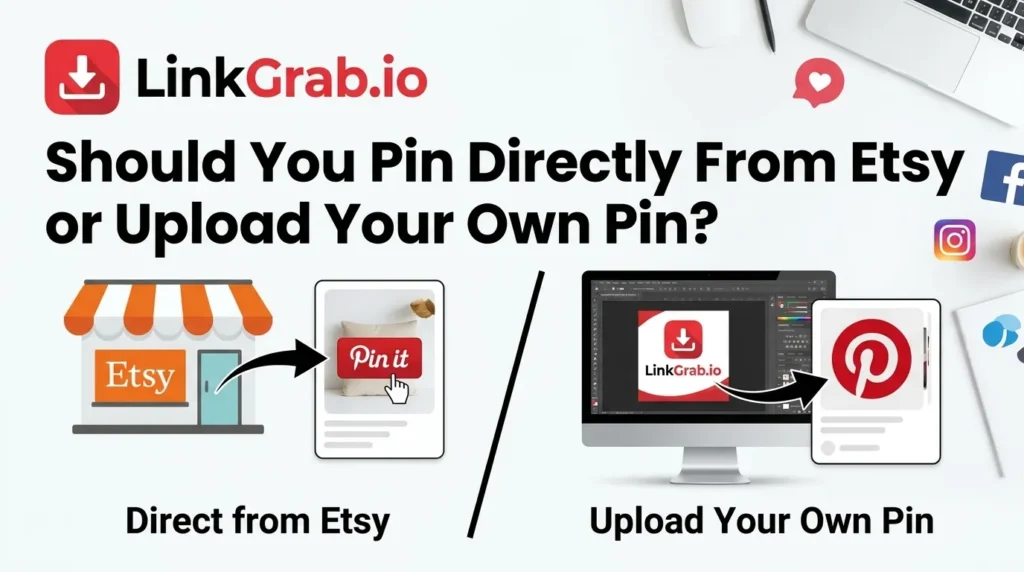
Should you pin from Etsy or upload your own pin?
Both work, and the sellers who scale their traffic use a deliberate mix. What matters is knowing what each route gives you.
Pinning from the listing keeps attribution
Pinning straight from the live listing keeps the pin attached to your shop’s URL. That feeds your Pinterest analytics, keeps the credit tied to you when other people save it, and lets your live product details pull through.
When a custom pin is worth the effort
Here’s the catch with native Etsy photos. They’re built to sell inside Etsy’s marketplace layout, not to stop a thumb mid-scroll in a busy Pinterest feed.
For your strongest, highest-margin listings, build a pin on purpose: a tall 2:3 graphic with a clean lifestyle shot and a short text overlay saying exactly what the item is. You get a scroll-stopping asset and a direct traffic link in one.
Before you design anything, spend twenty minutes studying the pins already ranking for your product terms. A Pinterest video downloader makes that quick. Save the top-performing video pins to a folder and compare how each one builds its first second, instead of losing them in a scroll. For still images, the Pinterest image downloader pulls them at full resolution so you can compare layouts side by side. Study the patterns, not the pixels. Reposting someone else’s pin gets your account suppressed.
The rule of thumb: pin directly from your listings to cover the whole catalog quickly, then design custom pins for the top 10% of products you really want to push.
Set up Pinterest properly before you pin
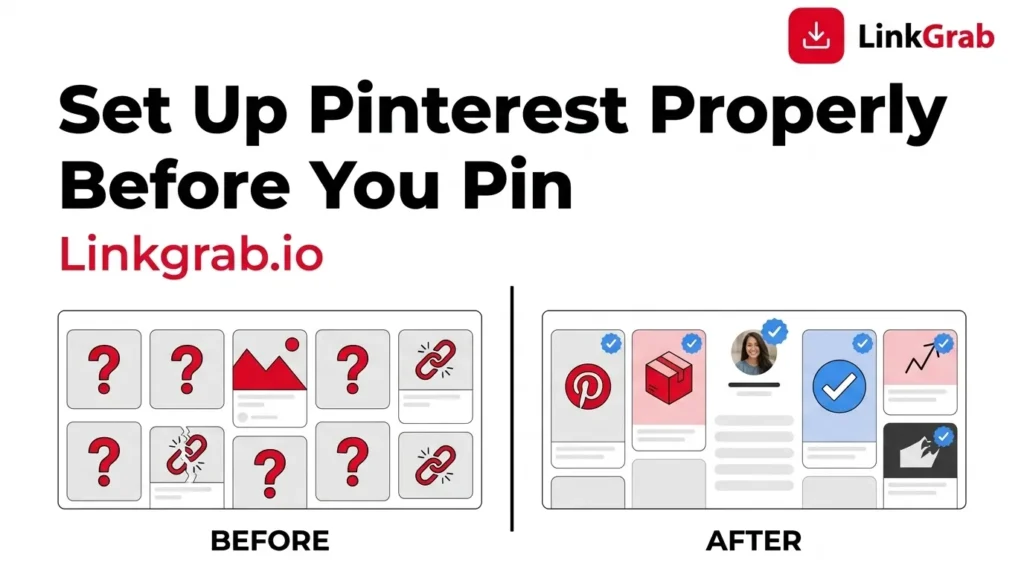
A weekend of enthusiastic pinning into a personal lifestyle account is mostly wasted effort. To turn pins into traffic you need the business setup.
Switch to a Pinterest business account
A Pinterest business account is free and unlocks analytics, conversion tracking and product features that personal accounts don’t carry. Converting an existing personal account takes about two minutes in your settings. Skip it and you’re working blind, with no data on what’s converting.
You cannot claim an Etsy shop, and that’s fine
This is where a lot of outdated advice sends sellers in circles. Pinterest states plainly that you cannot claim online stores hosted on marketplaces such as Etsy, eBay or Amazon. Claiming requires a domain whose source code you can edit, which you don’t have on Etsy.
There’s no hidden setting and no workaround worth chasing. What you can do instead:
- Run a business account and put your shop link in your profile.
- Track clicks in Etsy’s own Stats alongside Pinterest Analytics, since outbound clicks are still reported on your pins.
- If Pinterest becomes a serious channel, buy a domain and point it at your shop, or run a small site alongside it. That’s the only route to a genuinely claimed, verified presence.
What Rich Pins do for Etsy listings
Rich Pins pull live details from the listing, including title, price and availability, and show them on the pin itself. When the data updates at source, the pin updates too, so a price change or a sold-out item doesn’t leave a misleading pin behind.
For a shopper that means seeing buy-ready detail before they click, which filters out casual browsers and sends warmer traffic to your shop. Etsy supplies the product metadata Pinterest reads, so listing pins commonly appear with these details without you configuring anything. You can’t validate Rich Pins yourself for a domain you don’t own, so treat it as a bonus rather than a setting to switch on.
How to create Etsy pins that get clicked
A beautiful handmade product can still flop on Pinterest if the pin is the wrong shape for the platform. Two fixes handle most of your click-through rate.
1. Use a vertical 2:3 size
Pinterest is a vertical feed. Aim for 2:3 at 1000 × 1500 pixels. Square and landscape images get squeezed between taller pins and scrolled past unseen. A tall layout takes up more screen. Canva’s free Pinterest templates are already cropped to these dimensions, which takes the guesswork out of it.
2. Lead with a strong image and clear text
Your image does the heavy lifting, so use crisp, well-lit lifestyle photography rather than a flat white background. A short, legible text overlay, such as the product name or the problem it solves, helps mobile users grasp the pin in the fraction of a second they give it. Keep type large and simple. Cluttered graphics get scrolled past.
Fresh pins: why you shouldn’t repin the same image
Pinterest prioritizes fresh pins. A fresh pin is a brand-new image paired with a URL, even one Pinterest has seen before.
Pinning the same product photo to ten boards week after week signals duplicate distribution, and your reach thins out over time. It’s one of the more common reasons Pinterest monthly views drop for shops that feel like they’re posting plenty.
The fix works well. Make several distinct designs for one listing. Change the photo angle, swap the background color, apply a different text overlay, or lay two shots out together. Same product, same destination link, several separate chances to catch the algorithm.
Three formats are worth building into the rotation:
- A Pinterest collage of your product in context, made with Pinterest’s own cutout tool, which sits natively in the feed.
- A pin with multiple photos in one pin showing angles, colorways or sizes together.
- A short moving pin. If video feels like too much, posting a GIF on Pinterest is the low-effort way in.
Making all of those by hand can feel like a lot, which is where a schedule earns its keep. There’s more on what earns reach in the guide to how to go viral on Pinterest.
How to schedule and automate your Etsy pins
Consistency beats intensity. Forty pins in one sitting followed by a silent week trips spam filters and drops your reach. Steady distribution keeps your shop in the feed.
Use an approved scheduling tool. Tailwind is an official Pinterest partner and lets you batch-schedule safely, with a browser extension that pulls images straight from your storefront. Automation tools such as Alura, MESA or BlogToPin go further and queue a new pin draft the moment you publish or renew a listing.
One thing to watch: scheduling tools quietly lose their connection to Pinterest more often than people realize, and pins stop publishing without an obvious warning. If your queue looks fine but nothing is going out, check for Pinterest authorization failed errors before you rewrite your strategy.
Pinterest SEO for Etsy sellers
Pinterest works as a visual search engine rather than a social network, so the text around your pins decides whether shoppers find your listings months after you publish.
Find high-intent keywords in the search bar
Type a core product term such as “handmade jewelry” into Pinterest search and read the autocomplete suggestions underneath. Those are real phrases shoppers are typing. Note the ones that match your items. That’s your baseline keyword research, and it costs nothing.
Optimize your titles, descriptions and boards
- Pin titles: put your main search term near the front.
- Pin descriptions: two or three natural sentences saying what the product is, who it’s for and why it’s worth having, with a couple of related terms worked in. There’s a fuller breakdown of how to write Pinterest descriptions if you want the field-by-field version.
- Board names: name boards by search intent. “Boho Nursery Decor” indexes far better than “Cute Stuff.”
The same terms belong in your profile and board descriptions too. How to add keywords to Pinterest covers every field worth filling in.
If your boards have accumulated years of off-topic saves, tidy them. Scattered boards weaken the topical signal your shop sends, and being able to select multiple pins on Pinterest at once turns that clean-up into a job of minutes.
Common mistakes Etsy sellers make on Pinterest
A few habits quietly cap your results. Audit your account against this list.
- Pinning to a personal account. No tracking data, no product details on your pins, less to work with.
- Recycling one image forever. Read as duplicate distribution, and your reach erodes.
- Square or landscape images. Your product gets buried between taller pins.
- Vague descriptions. If Pinterest can’t tell what the product is, it can’t rank it.
- Pinning in bursts. Irregular posting stalls growth. Spaced, regular publishing wins.
- Forgetting the destination link. A lovely graphic with no link is a dead end.
Final thoughts
Pinning from Etsy to Pinterest is simple. Turning those pins into a sales channel takes a bit of intent. Set up a business profile, let the product details pull through, design vertical assets with readable text, keep the imagery fresh, and publish at a steady pace. Once that workflow is running, a single good pin can keep finding buyers long after you first hit publish.
Frequently Asked Questions
-
Can you pin Etsy listings directly to Pinterest?
Yes. Open any listing on Etsy, click the native Pinterest share button, select your image, add an optimized title and description, and save it to a board. Pinning this way keeps your shop attribution and analytics tracking intact.
-
How do I connect my Etsy shop to Pinterest?
You can’t claim an Etsy shop on Pinterest, because claiming requires a domain you control. What you can do is upgrade to a free Pinterest business account, add your shop link to your profile, and track outbound clicks through Pinterest Analytics and Etsy Stats. If Pinterest becomes a major channel, a domain of your own is the only route to a claimed, verified presence.
-
Do Etsy pins become Rich Pins automatically?
Usually. Etsy includes the product metadata Pinterest reads, so listing pins commonly display live price and availability without any setup on your side. You can’t validate or force Rich Pins for a domain you don’t own, so treat them as a bonus rather than a feature you switch on.
-
What size should an Etsy Pin be?
Build pins at a vertical 2:3 aspect ratio, ideally 1000 × 1500 pixels. Tall layouts take up significantly more screen space in mobile feeds and consistently outperform square or horizontal images.
-
How often should I pin my Etsy products?
A handful of unique, well-optimized pins per day at spaced intervals performs far better than dozens uploaded at once. Consistency over time tells the algorithm you’re an active creator; bursts followed by silence do the opposite.
-
Can I pin from Etsy using my mobile phone?
Yes. Tap the share icon on any item in the Etsy app and choose Pinterest, or copy the product link and paste it into the Create Pin screen in the Pinterest app.
-
Do I need a Pinterest Business Account as an Etsy seller?
Yes. It’s free, and it’s the only way to get analytics, conversion tracking and audience data on your pins. Without it you have no way of seeing which products are actually earning clicks.
1 thought on “How to Pin From Etsy to Pinterest (And Actually Get Traffic From It)”