Pinterest Downloader
Download Pinterest videos, images, and GIFs online
Download Pinterest videos, images and GIFs in HD for free. Paste a Pin link, preview it, pick the quality and save it. No login, no app, no watermark.
Works with public Pins from pinterest.com and pin.it share links. Press Enter to start.
What is LinkGrab?
LinkGrab is a free online Pinterest downloader that saves public Pinterest videos, images, GIFs and Idea Pins straight to your device. You paste a Pin link, LinkGrab fetches the original file from Pinterest's servers, shows you a preview with the sizes available, and you choose which one to download. Nothing is installed, nothing is uploaded, and you never sign in to Pinterest through LinkGrab.
LinkGrab works in any browser on iPhone, Android, Windows and Mac, is available in 39 languages, and also ships as an Android app with a built-in Pinterest browser. It is built and maintained by Tech Solutions Pro, a UK software company, and is not affiliated with Pinterest.
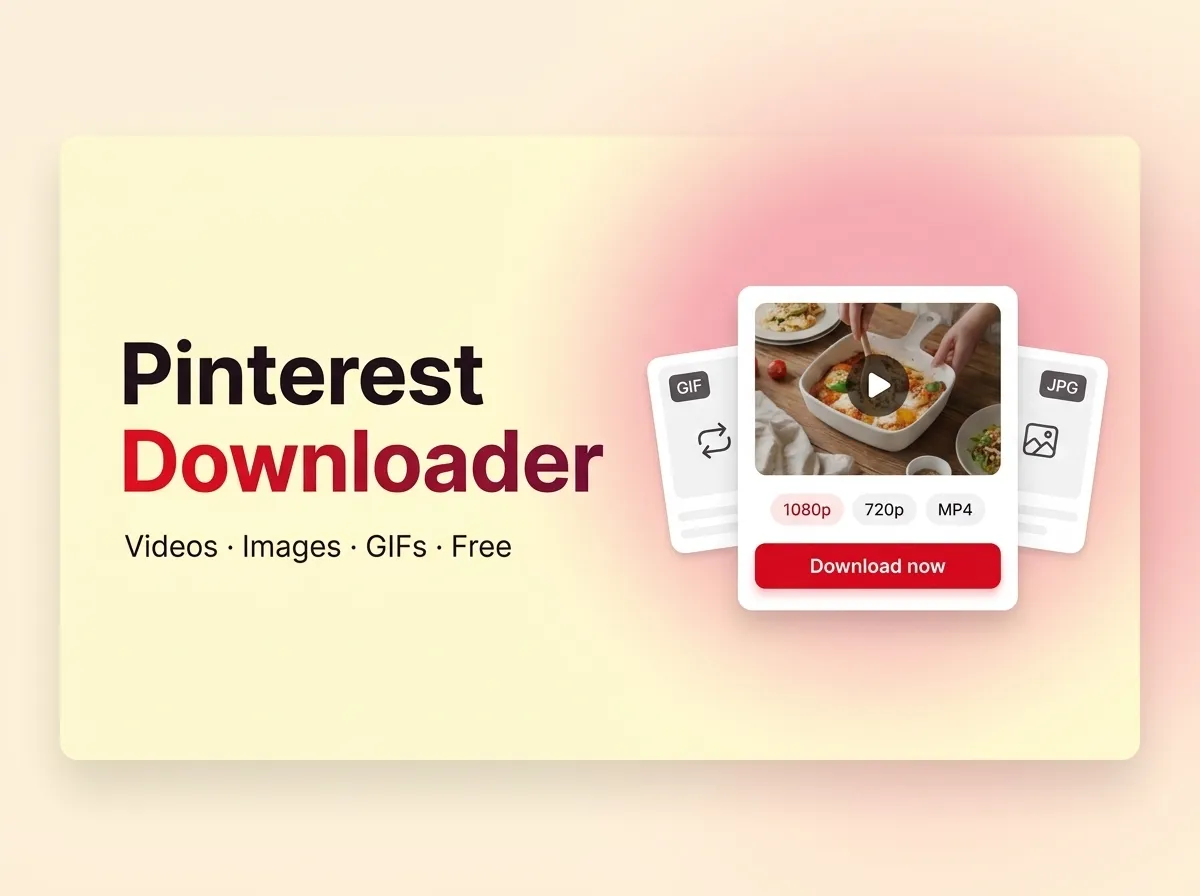
How to download Pinterest videos with LinkGrab
Three steps, under ten seconds. The same steps work for images, GIFs and Idea Pins, on a phone or a computer.
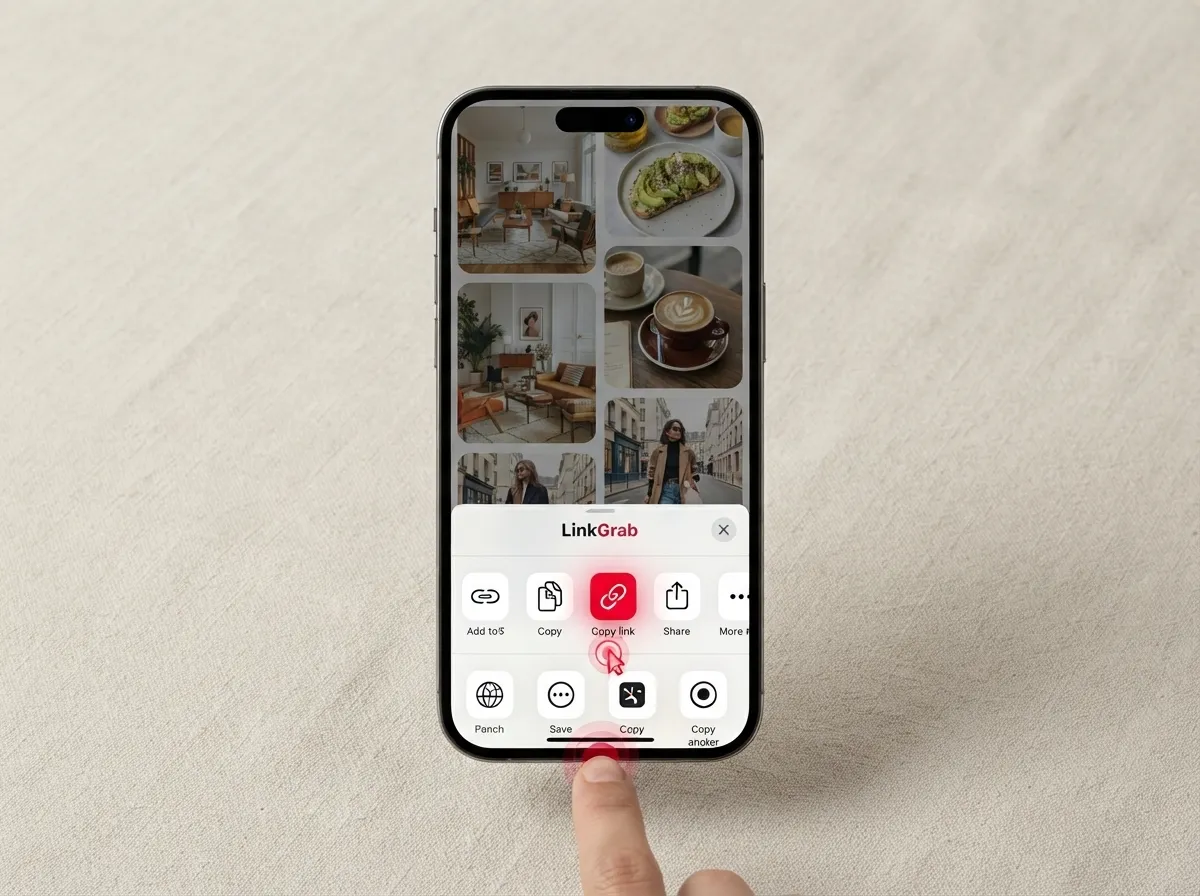
Copy the Pin link
In the Pinterest app, tap the three dots or the share icon on the Pin and choose Copy link. On pinterest.com, copy the URL from the address bar.
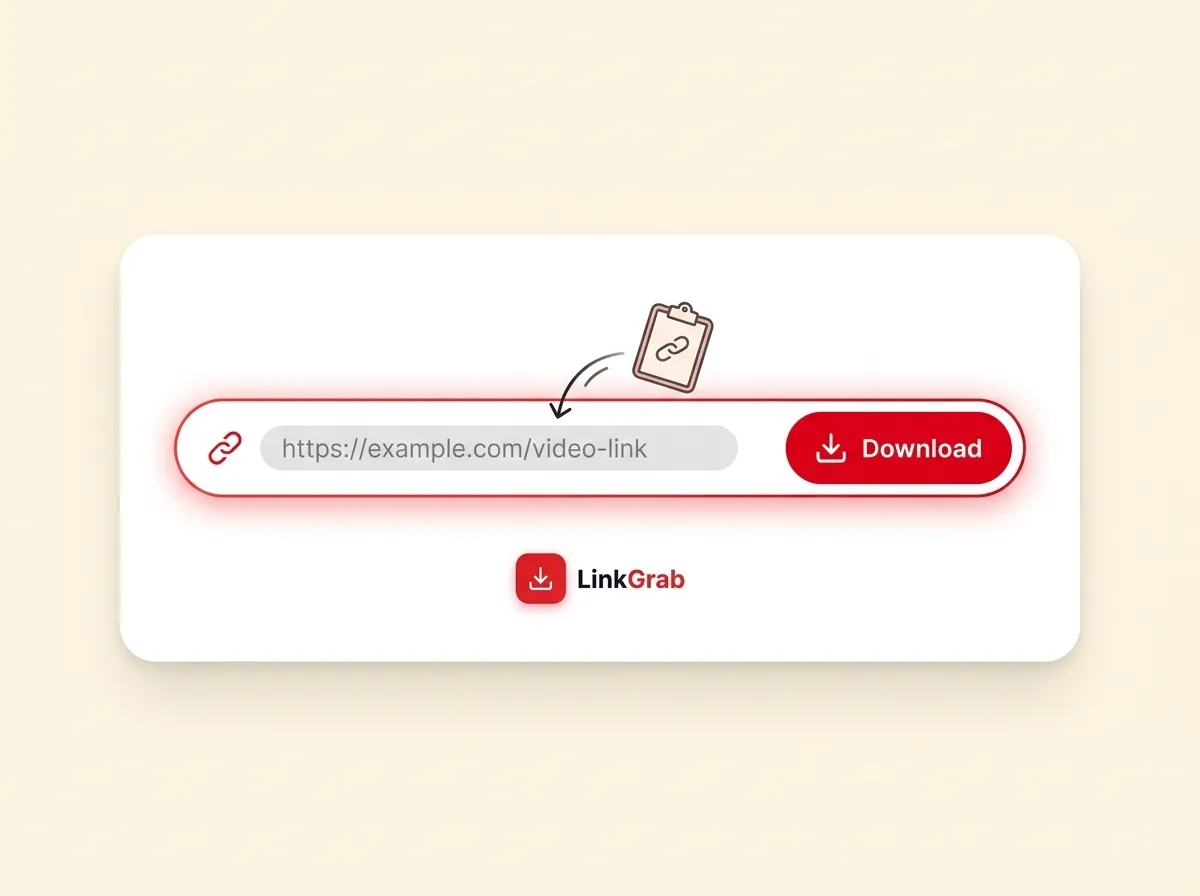
Paste it into LinkGrab
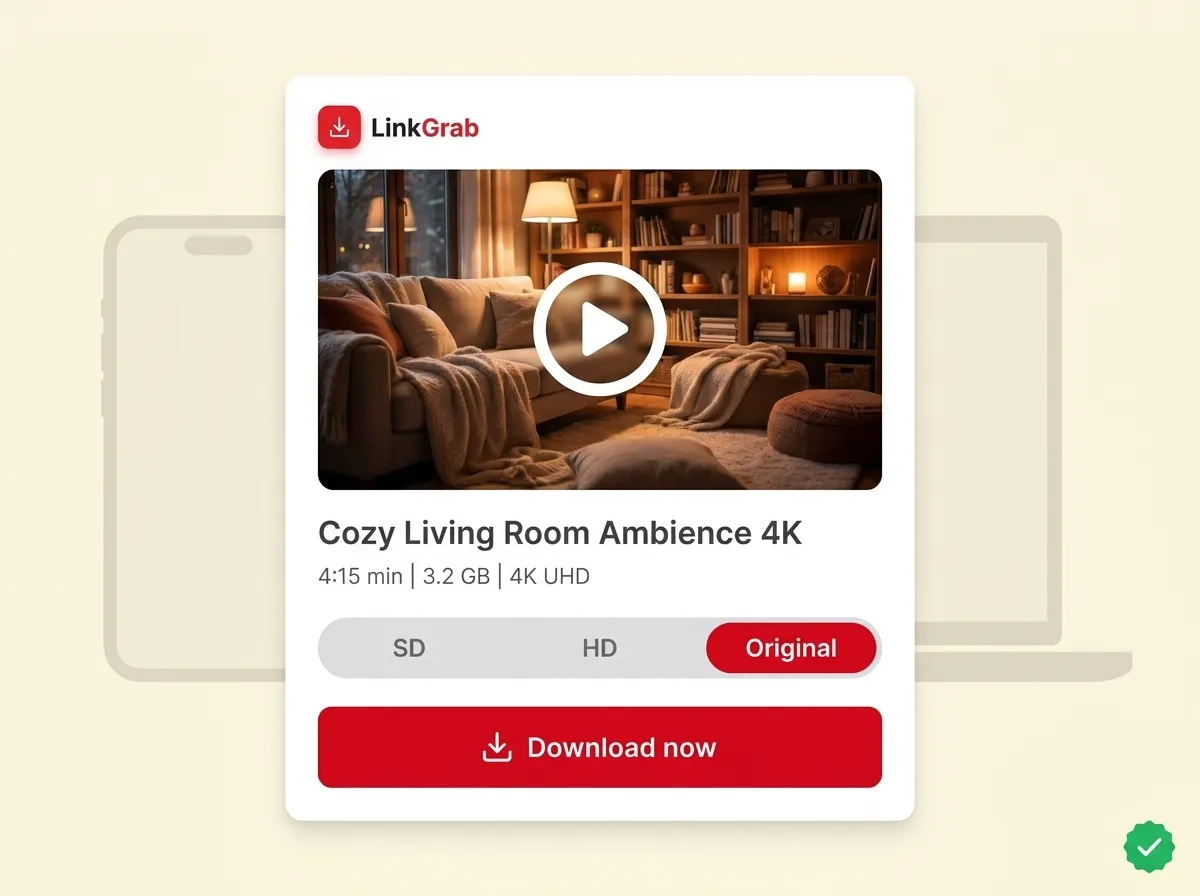
Paste the link into the box at the top of this page and click Download. LinkGrab reads the Pin and shows a preview with the file type and size.
Choose quality and save
Pick the size you want and tap Download now. The file saves to your Downloads folder, Photos or Files app.
What you can download with LinkGrab
Videos get the most searches, but LinkGrab handles every public media type Pinterest serves and always gives you the original file.
Video Pins and Reels
The original video file at the highest resolution Pinterest stores for that Pin. No re-encoding, no watermark, sound included.
Image Pins
The full-size original plus 736px and 474px versions, so you can pick the one that fits. Recipes, wallpapers, outfits, decor references.
GIF Pins
The animated file itself, not a still frame. For a GIF-focused tool, use the Pinterest GIF Downloader.
Idea Pins and story Pins
Each page of a multi-page Pin as its own file, video or image, where Pinterest hosts it publicly.
Carousel Pins
Every image in the carousel at full size, so you are not stuck screenshotting one slide at a time.
Preview before you save
Every fetch shows the file, its type, its size and the sizes available. You decide what to download; nothing downloads blind.
Supported links, and what LinkGrab cannot do
LinkGrab only reads public Pins. Here is exactly what works and what does not, so you are never guessing.
| Works | Does not work |
|---|---|
| Pin links from pinterest.com and every country domain (uk., in., br., de. and so on) | Private boards, secret Pins and anything that needs a Pinterest login |
| Short pin.it share links from the Pinterest app | Deleted or unavailable Pins |
| Public video, image, GIF, Idea Pin and carousel Pins | Downloading a whole board or profile in one go (paste Pins one at a time) |
| Any modern browser on phone, tablet or computer, no extension needed | Upscaling: LinkGrab never invents a resolution Pinterest did not provide |
What "HD" means on LinkGrab
LinkGrab delivers the exact file Pinterest stores, with no re-encoding and no watermark. For most video Pins that is 720p MP4; where the creator uploaded higher, LinkGrab shows the higher option in the preview. For images, "Original" is the full upload size, often 1,000 to 2,000 pixels wide. If you see a lower resolution than you expected, the creator uploaded it that way. No downloader can add detail that is not there, and LinkGrab will not pretend to.
Download Pinterest videos on iPhone, Android or PC
The steps differ slightly by device. Pick yours.
Works in Chrome, Samsung Internet and Firefox. Prefer an app? The LinkGrab Android app has Pinterest built in, so you browse, copy and download without switching apps.
Copy the Pin link
In the Pinterest app, tap the three dots on the Pin and choose Copy link.
Open linkgrab.io and paste
Paste the link into the box at the top of this page. LinkGrab fetches the Pin automatically.
Pick the size
Choose the resolution you want in the preview card.
Tap Download
The file saves to your Downloads folder or Gallery.
Works in Safari with no Shortcut and no extra app.
Copy the Pin link
In the Pinterest app, tap Share, then Copy link.
Open linkgrab.io in Safari and paste
Paste the link into the box at the top of this page.
Tap Download
Safari saves the file to Files > Downloads.
Move it to Photos (optional)
Open the file in Files, tap Share, then Save Video or Save Image.
Works in Chrome, Edge, Firefox and Safari on Windows and Mac.
Open the Pin on pinterest.com
Copy the URL from the address bar.
Paste it into LinkGrab
Paste the link into the box at the top of this page and press Enter.
Pick the size
Choose the resolution in the preview card.
Click Download
The file lands in your Downloads folder in the format shown in the preview.
The original file, shown to you before you save it.
You see before you save
Every download shows a preview with file type, size and the resolutions available. No blind downloads.
The original, untouched
No watermark, no compression, no conversion. You get the file as the creator uploaded it.
Nothing stored, no login
LinkGrab fetches the file and hands it to your browser. We keep no links, no files and no history, and never ask for your Pinterest account.
Android app with Pinterest inside
The LinkGrab app has a built-in Pinterest browser, so you browse, copy and download in one place.
39 languages
The same tool in your language, from Indonesian and Hindi to Portuguese and Arabic, at linkgrab.io/your-language.
Free, supported by ads
LinkGrab shows a small number of ads so the tool stays free. Ads never interrupt a download and never appear in your files.
Is LinkGrab safe to use?
Yes. LinkGrab runs entirely in your browser over HTTPS, asks for no password, installs nothing and keeps nothing. You can check linkgrab.io yourself on Google Safe Browsing and Norton Safe Web.
No Pinterest login
LinkGrab never asks for your Pinterest username or password. It only reads Pins that are already public.
Nothing to install
No software, no extension, no Shortcut. Open the page, paste the link, done.
Nothing kept
The Pin link you paste is used only to fetch the media. We do not store your links, your files or a download history.
Direct from Pinterest's servers
Files come straight from Pinterest's own CDN to your device. LinkGrab does not host or alter them.
Creator rights
A Pin being public does not make it yours. Download content you created, have permission to use, or are saving for personal reference. LinkGrab does not grant any licence to republish or sell downloaded media. See Pinterest's Terms of Service, our Terms and our DMCA page.
Privacy
LinkGrab uses Google Analytics and Google AdSense. The Pin link you paste is used only to fetch the media and is not saved. Full detail in the Privacy Policy.
Pinterest downloader questions, answered
How do I download a Pinterest video?
Is LinkGrab free?
Does LinkGrab work on iPhone?
Can I download Pinterest videos in 1080p or 4K?
Can I download private Pins or boards?
Does LinkGrab add a watermark?
Can I download Pinterest images and GIFs?
Is it legal to download Pinterest videos?
Does LinkGrab store my links or files?
 Free forever
Ready to save your first Pin?
Paste a Pinterest link above and LinkGrab does the rest. Free, no login, original quality.
Also saving from Instagram? Try ClipDeck, our Instagram video downloader.