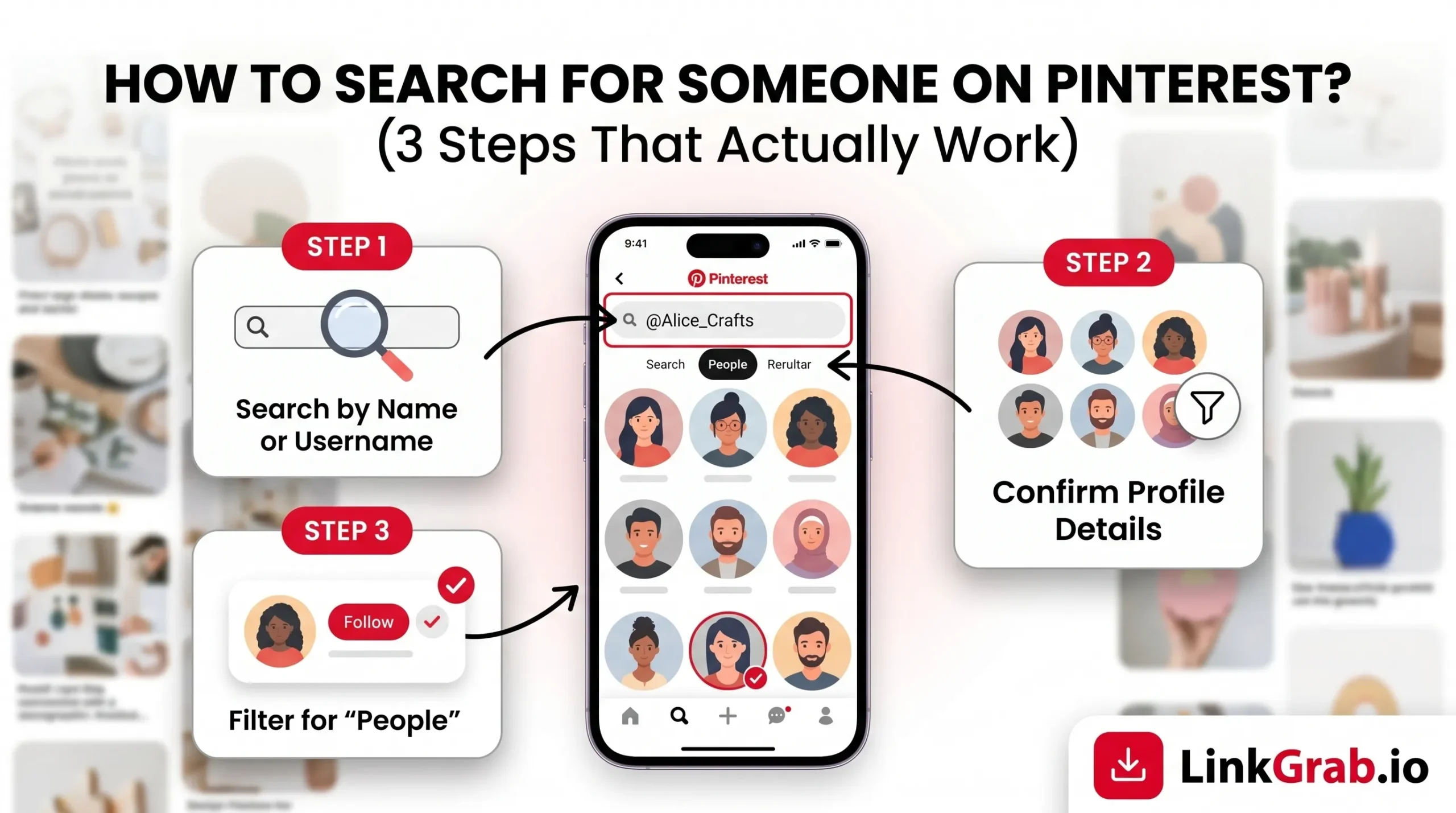
Pinterest has over 631 million monthly active users. Finding one specific person in that crowd, a friend, a creator, a collaborator, can feel like searching for a needle in a haystack. But it doesn’t have to.
Whether you’re trying to reconnect with someone you know, follow a designer whose work inspires you, or vet a brand before you collaborate, this guide covers exactly how to search for someone on Pinterest using three proven steps that work in 2026, across desktop and mobile.
Quick Answer: To search for someone on Pinterest, open the search bar, type their name or username, then filter results to “Profiles.” If that doesn’t work, use the contact sync method or Google search fallback covered in Steps 2 and 3 below.
Table of Contents
Why Searching for People on Pinterest Is Trickier Than It Looks
Pinterest is built around ideas, not people so its search engine defaults to surfacing pins and boards, not profiles. Most users search for a name, get flooded with pins, and give up. The fix is knowing how to redirect Pinterest’s search engine toward people specifically, which is exactly what these three steps show you.
Step 1: Use Pinterest’s Search Bar the Right Way (With the Profile Filter)
This is the fastest route, but most people skip the one step that makes it actually work: the profile filter.
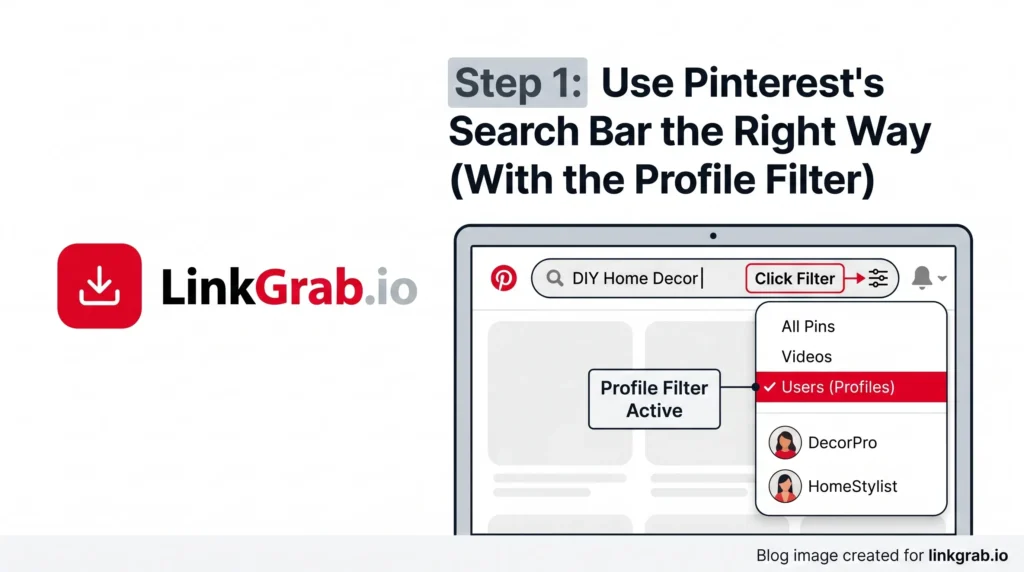
On Desktop (pinterest.com)
- Go to pinterest.com and log in to your account.
- Click the search bar at the top of the page.
- Type the person’s full name, username, or email address and press Enter.
- On the search results page, look directly below the top search bar at the horizontal menu tabs (which default to “All Pins“). Click the Accounts (or Profiles) tab to instantly hide pin graphics and isolate user profiles.
- Browse the filtered results and click on the correct profile.
Without selecting “Profiles,” Pinterest mixes in boards and pins, which makes it hard to spot the person you’re looking for.
On Mobile (iOS or Android)
- Open the Pinterest app and log in.
- Tap the Search icon (magnifying glass) at the bottom of the screen.
- Type the person’s name or username in the search bar.
- Directly below the search input field, swipe through the horizontal filter pills and tap Profiles (or Accounts) to instantly isolate user profiles and remove pin graphics from your view.
- Scroll through the results and tap the correct account.
Pro Tips to Get Better Results
- Use their full name; searching “John” returns thousands of results; “John D. Martinez” is far more precise.
- Add a niche keyword if you know their niche, combine it with their name (e.g., “Sarah Mitchell interior design”). This dramatically narrows results.
- Try the @ symbol type @username directly in the search bar. Pinterest will surface a suggestion dropdown as you type.
- Try their email if they signed up with a specific email and you know it, entering it in the search bar often pulls up their exact profile.
Step 2: Use Pinterest’s “Find Friends” Feature (Sync Your Contacts)
If you can’t locate the person by name alone, maybe they use a nickname or a creative handle. The contact sync method skips the guesswork entirely. It matches people you already know to their Pinterest accounts automatically.
How to Sync Your Contacts on Mobile
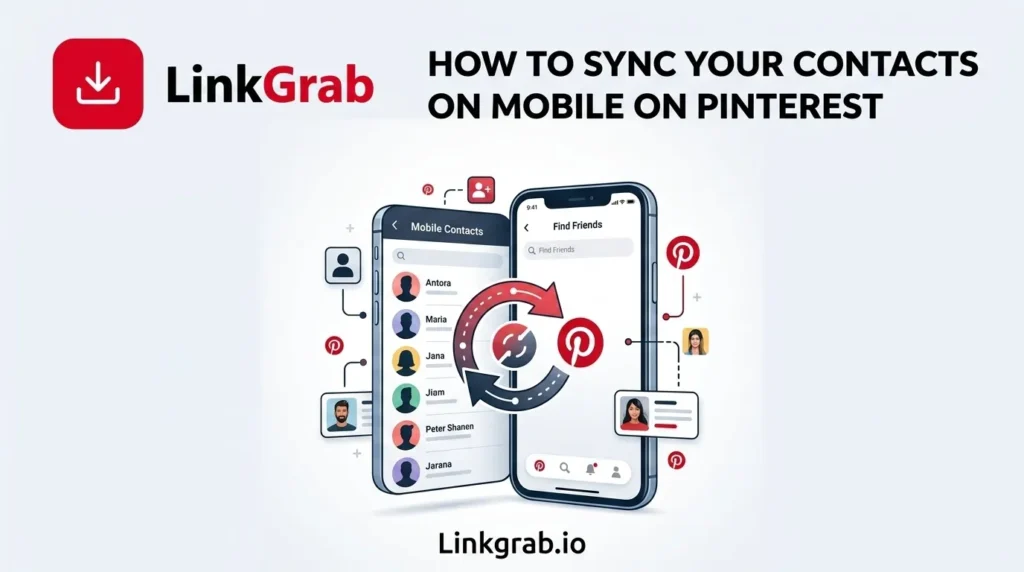
- Open the Pinterest app and tap your profile icon (bottom right).
- Tap the gear icon in the top right to open Settings, select Privacy and data, and toggle on Sync contacts. Grant Pinterest access permissions when prompted by your phone’s operating system to instantly view matching profiles.
- Pinterest will return a list of people from your contacts who are on the platform.
- Tap any profile to view it or follow them.
Step 3: Use Google as a Pinterest People Search Engine
Here’s the trick most guides leave out: Google often finds Pinterest profiles faster and more accurately than Pinterest’s own search bar, especially for creators, brands, and anyone who hasn’t used their real name.
How to Use Google to Find Someone on Pinterest
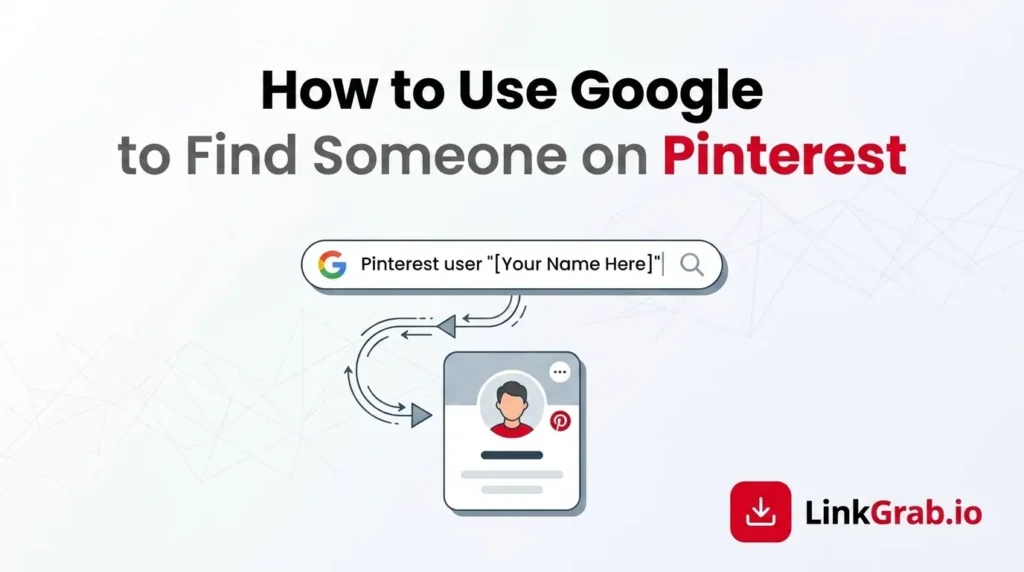
- Open Google (or any search engine).
- Type: site:pinterest.com “their name or username”
- Example: site:pinterest.com “Emma Clarke DIY”
- Scroll through the results, and Pinterest profile pages will appear directly.
- Click the profile link, and you’re there.
This method surfaces profiles that Pinterest’s internal search might bury or miss, particularly accounts that have more board and pin activity than follower counts.
Other External Places to Look
| Where to Check | What to Look For |
| Instagram bio | Many creators link their Pinterest in their IG bio or story highlights |
| Their website or blog | Look for social media icons in the header or footer |
| Twitter/X or LinkedIn bio | Creators often list all their platforms |
If you find their handle on another platform, most people use the same username across networks, so you can then search that exact handle directly in Pinterest for an instant match.
Once you’ve found creators whose content you enjoy, you may also want to save inspiring visuals, guides, and design ideas. Our Pinterest Image Downloader and Pinterest Video Downloader
makes it easy to download pins for personal reference.
What to Do When Someone Doesn’t Show Up in Search
Can’t find the person, no matter what you try? Here are the most common reasons and what to do about each one.
They may be using a different name. Many users go by a brand name, nickname, or creative handle rather than their legal name. Try variations: initials, shortened names, or their business name.
They have enabled search engine privacy. Pinterest allows users to hide their profiles from external search engines (like Google) within their settings. If they have toggled this on, Step 3 will fail, and you must find them using their exact username directly inside the internal Pinterest app
They may not be on Pinterest. Not everyone has an account. If you’ve tried all three steps with no results, they may simply not be active on the platform.
You may be blocked. If you were previously connected and they’ve disappeared from your searches, there’s a chance the account has been deactivated or they’ve blocked your account.
Typos. Pinterest search is fairly literal with usernames. Double-check the spelling before assuming the account doesn’t exist.
Bonus: Can You Search Pinterest Without an Account?
Yes, but with limitations. You can browse some search results and public profiles without logging in, but Pinterest will prompt you to sign up after viewing a few pages. For full, unrestricted search access, a free Pinterest account is required.
How to Follow Someone Once You’ve Found Them
Once you’ve located the right profile:
- Click or tap on their profile.
- Hit the “Follow” button to follow all their boards at once, or click individual boards to follow only specific ones.
- Their new pins will now appear in your home feed based on Pinterest’s algorithm and your engagement history.
Following accounts whose content you regularly engage with, saving, clicking, and commenting signals to Pinterest to show you more of their content. According to Tailwind’s 2025 Pinterest Marketing Study, original creations capture over 90% of platform traffic attribution over secondary re-saves, making individual profile optimization vital to discovery.
Summary: 3 Steps to Find Anyone on Pinterest
- Search by name and select the Profiles/Accounts tab directly underneath the search bar to filter out noise.
- Sync your device contacts to automatically discover accounts belonging to friends and professional network contacts in your existing address book.
- Use Google’s site search as the most powerful fallback, especially for creators, brands, and accounts using non-real names.
Most people can be found using Step 1 alone. If that doesn’t work, Steps 2 and 3 will get you there.
Frequently Asked Questions
-
Can someone see if I search for them on Pinterest?
No. Pinterest does not notify users when someone searches for or views their profile. Your activity remains completely private unless you follow them or interact with their pins.
-
Can I search for someone on Pinterest by phone number?
Not directly. However, if you sync your contacts (Step 2), Pinterest will match phone numbers in your contacts to accounts that used that number to sign up.
-
Can I find someone on Pinterest without logging in?
You can see limited results, but full profile search requires a free Pinterest account.
-
Why does my search return boards and pins instead of profiles?
You need to tap the “Profiles” or “Accounts” pill filter directly beneath the search input bar. Without shifting to this tab, Pinterest’s engine defaults to indexing standalone pins and board titles.
-
What if the person is using a fake name?
Try the Google method in Step 3, or look for them on other social platforms and cross-reference their Pinterest handle from there.